
Do a stock take
For the office team
Use a stock take to set up opening stock, for a regular count, or when a van check finds a difference.
- Open Stock & purchasing and select Stock take.
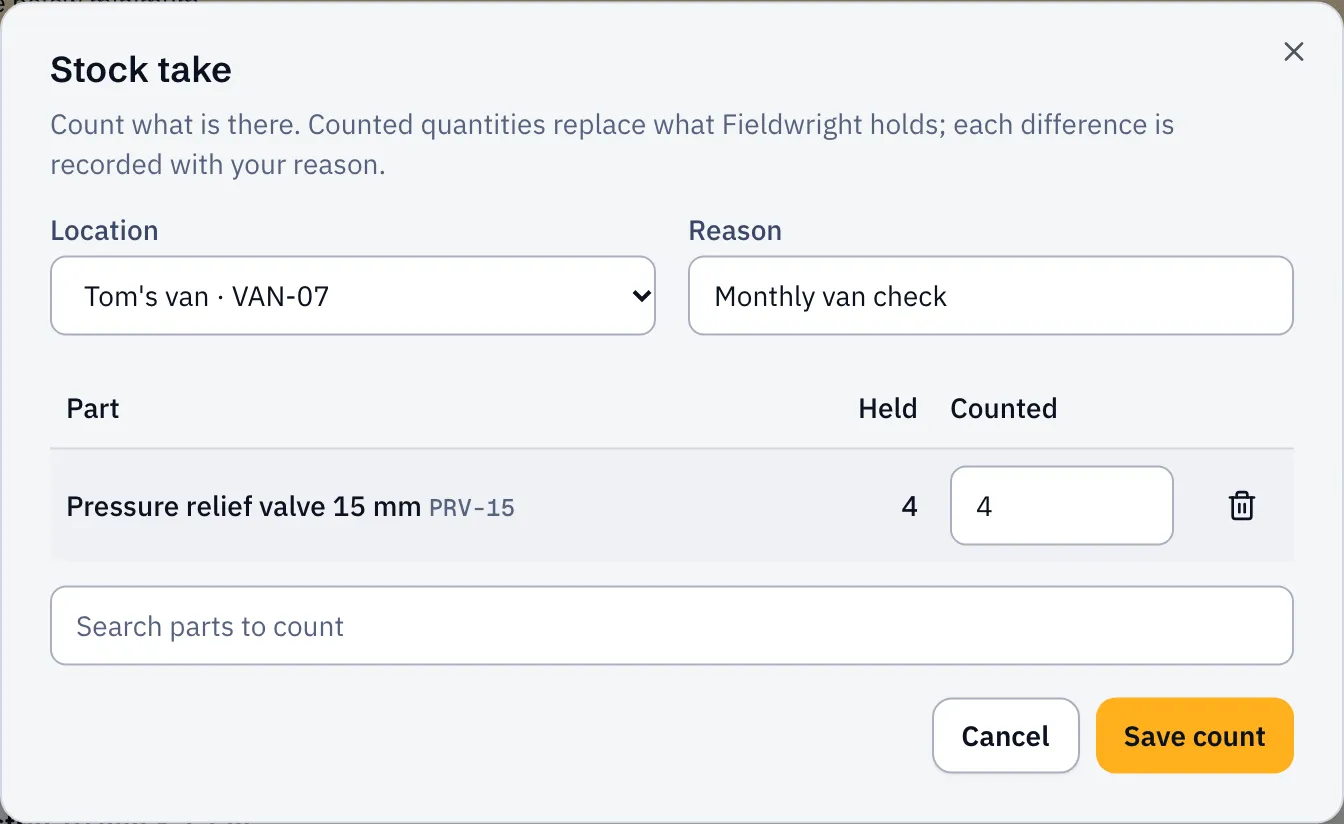
- Choose the Location you’re counting.
- Enter a Reason, like “Monthly van check”.
- Search for each part you counted. Held shows what Sustainable ERP thinks is there.
- Enter what you found under Counted.
- Select Save count.
Each difference is recorded as an adjustment with your reason. You’ll see them in Ledger and on each part’s history. Parts you didn’t count are left alone.
Good to know
Section titled “Good to know”- Counts never go below zero.
- Nothing is deleted: the ledger keeps every change, and corrections are new entries.
- Counting a van? Ask the engineer to confirm any transfers on their way first, so they’re included.