
Low stock and suggested orders
For the office team
When a part drops below its minimum at any location, warehouse or van:
- it shows Below min in the stock list,
- people who manage stock get an alert in Sustainable ERP and by email, once each time it drops.
Use Low stock in the stock list to see only those parts.
Suggested orders
Section titled “Suggested orders”- Open Stock & purchasing. When parts are low you’ll see how many at the top.
- Select Suggested orders.
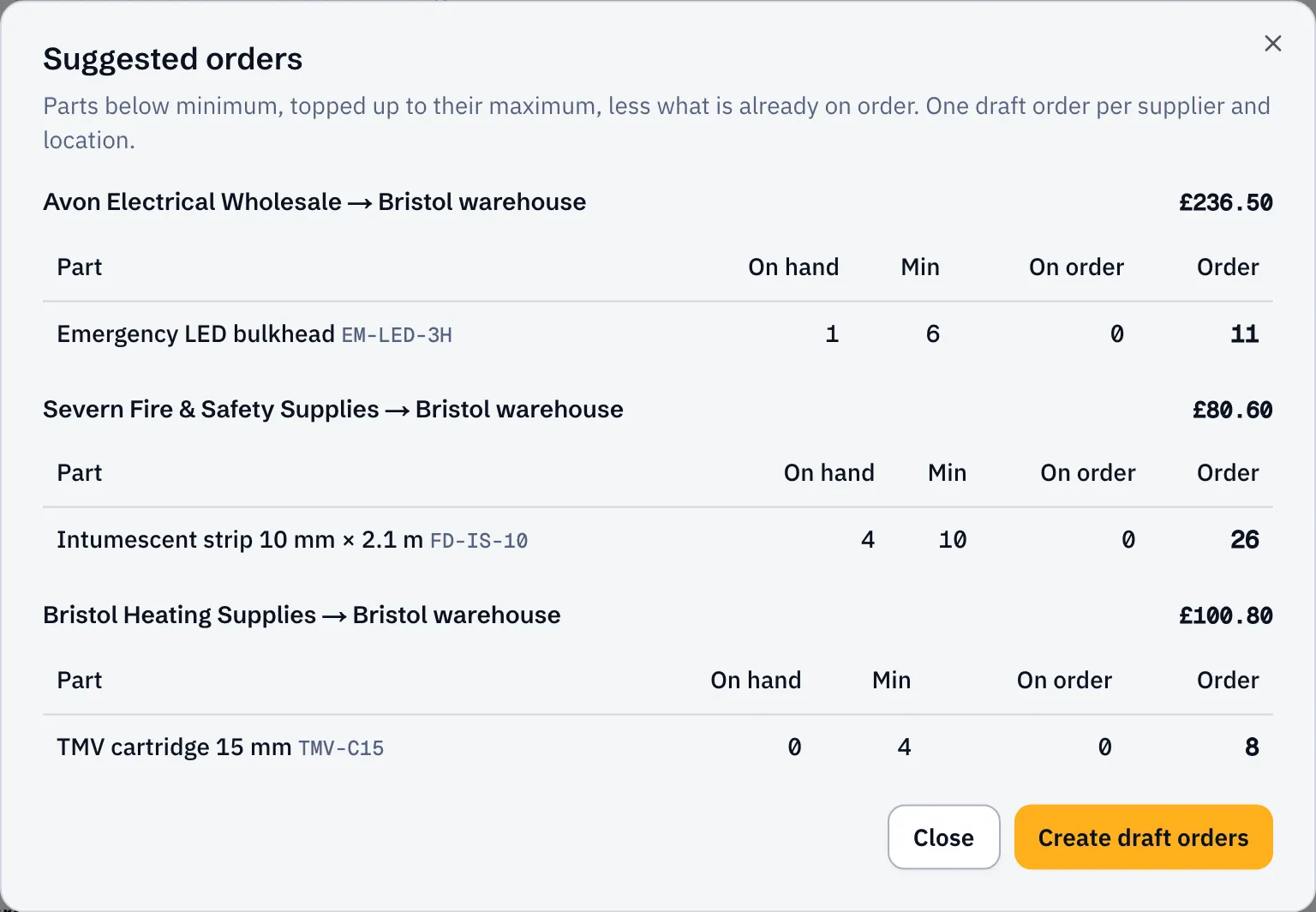
Each suggestion tops the part up to its maximum (or its minimum if there’s no maximum), less anything already on order. They’re grouped into one order per supplier and delivery location, using each part’s preferred supplier.
- Select Create draft orders.
You get a draft order for each supplier. Check them, change anything, then submit and send as usual.
Parts with no preferred supplier aren’t suggested: you’ll see how many, so you can order them by hand.
- Add parts to set minimums and preferred suppliers