
Invoice a finished job
For accounts
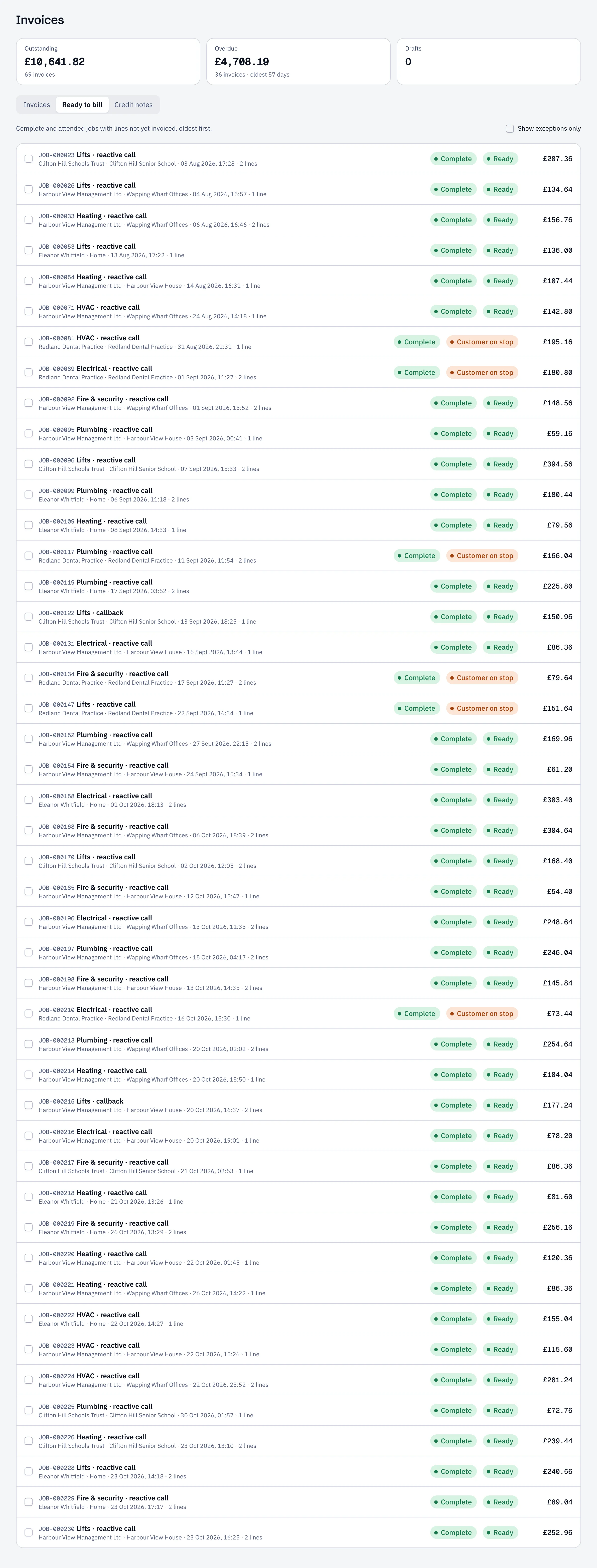
The billing queue
Section titled “The billing queue”Open Invoices → Ready to bill. It lists complete and attended jobs with charges not yet invoiced, oldest first.
Some jobs show a flag to sort first:
- Unpriced lines: a labour or material line has no price. Open the job’s Lines & billing tab and price it, or select Price from rate card. Parts taken from a van, or delivered to the site on a purchase order, come in with their cost and the part’s sell price, shown as From van stock or From purchase order.
- PO required: this customer needs their order number on every invoice.
- Customer on stop, Zero value or Further work needed: check before billing.
Create the invoice
Section titled “Create the invoice”- Tick one or more jobs. They must all be for the same customer.
- Select Invoice selected.
A draft invoice opens with the lines from those jobs. Add the Customer PO and any Notes on the invoice, check the lines, and select Save draft.
You can also invoice from a job’s Lines & billing tab with Create invoice, or start a blank one with New invoice.
Work under a maintenance contract usually shows at £0.00, because the contract already pays for it.