
Approve a purchase order
For owners and managers
Orders over the approval limit wait for a second person before they can go to the supplier. By default the limit is £500 excluding VAT.
When an order needs approving, people who can approve get an alert in Sustainable ERP and by email.
- Open the order from the alert, or from Stock & purchasing → Purchase orders filtered to Awaiting approval.
- Check the lines, supplier and total.
- Select Approve, or Send back with a note on what needs changing.
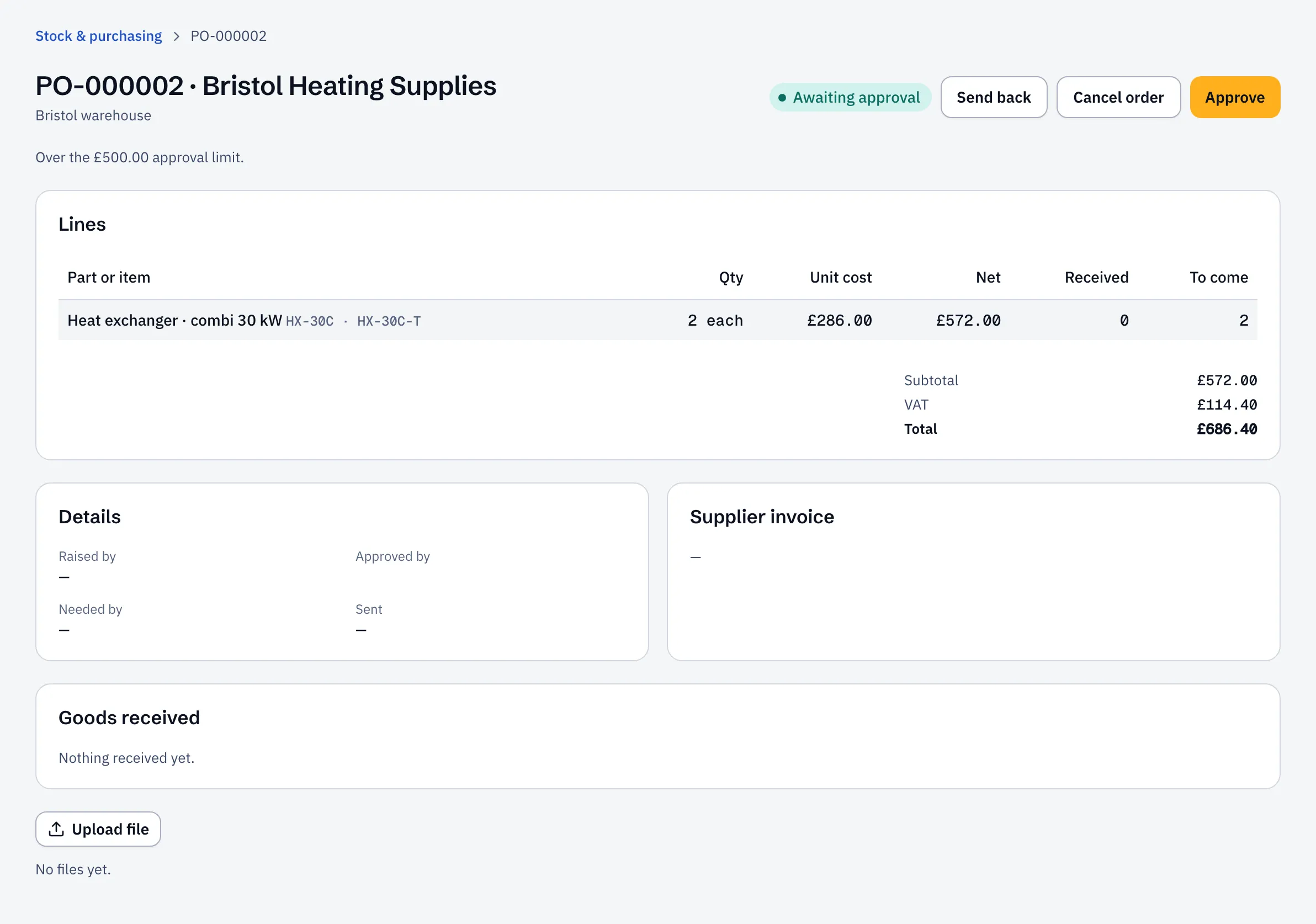
An approved order can be sent to the supplier. One sent back returns to Draft with your note at the top, so the person who raised it can change it and submit it again.
- You can’t approve an order you raised, even if your role can approve. Someone else has to.
- Only roles with purchase approval can approve: by default the operations manager, stock controller and administrator.
Change the limit
Section titled “Change the limit”Go to Settings → Finance and set Purchase order approval over (£ ex. VAT). Leave it blank and no order needs approval.